One card per screen
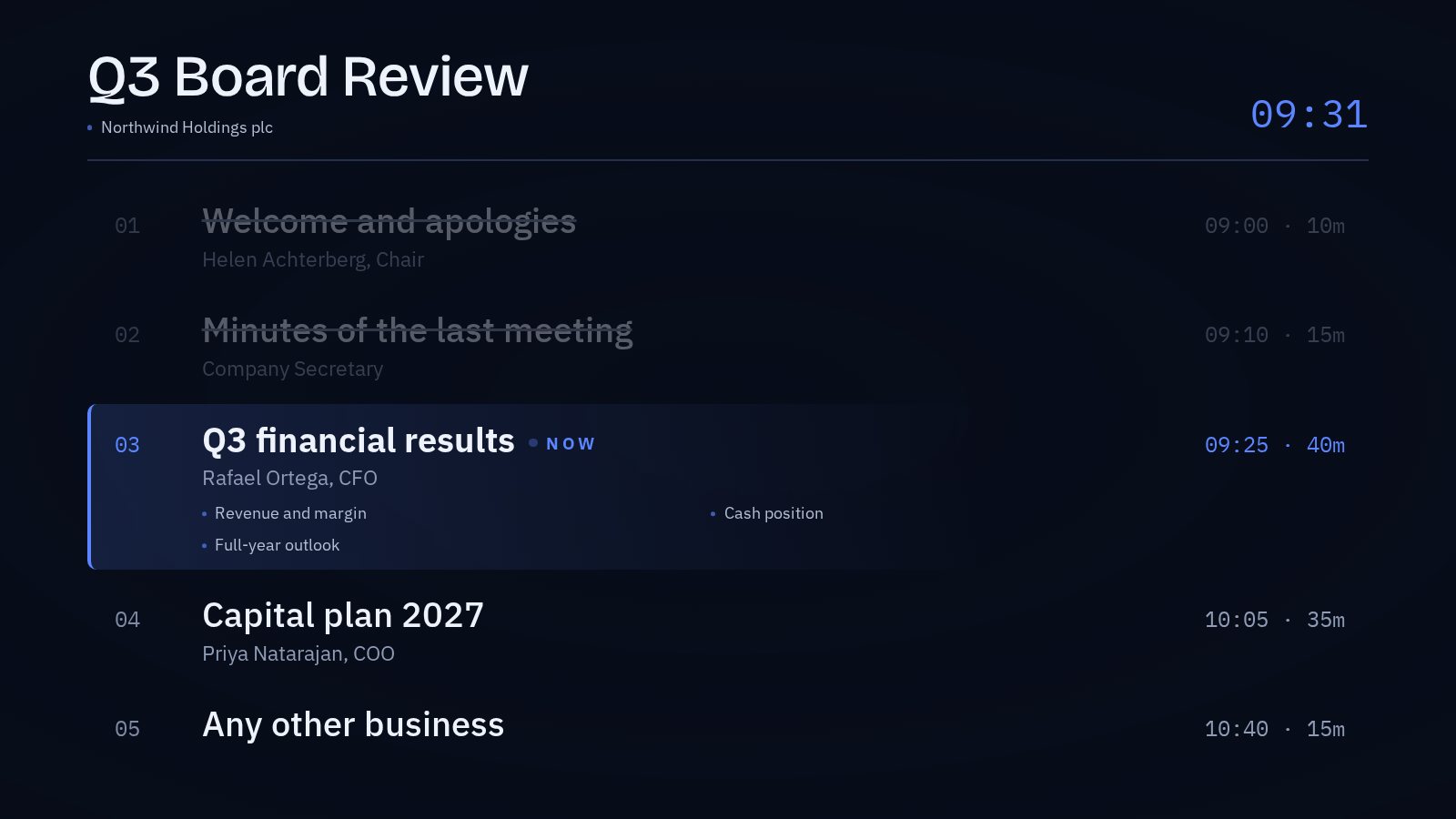
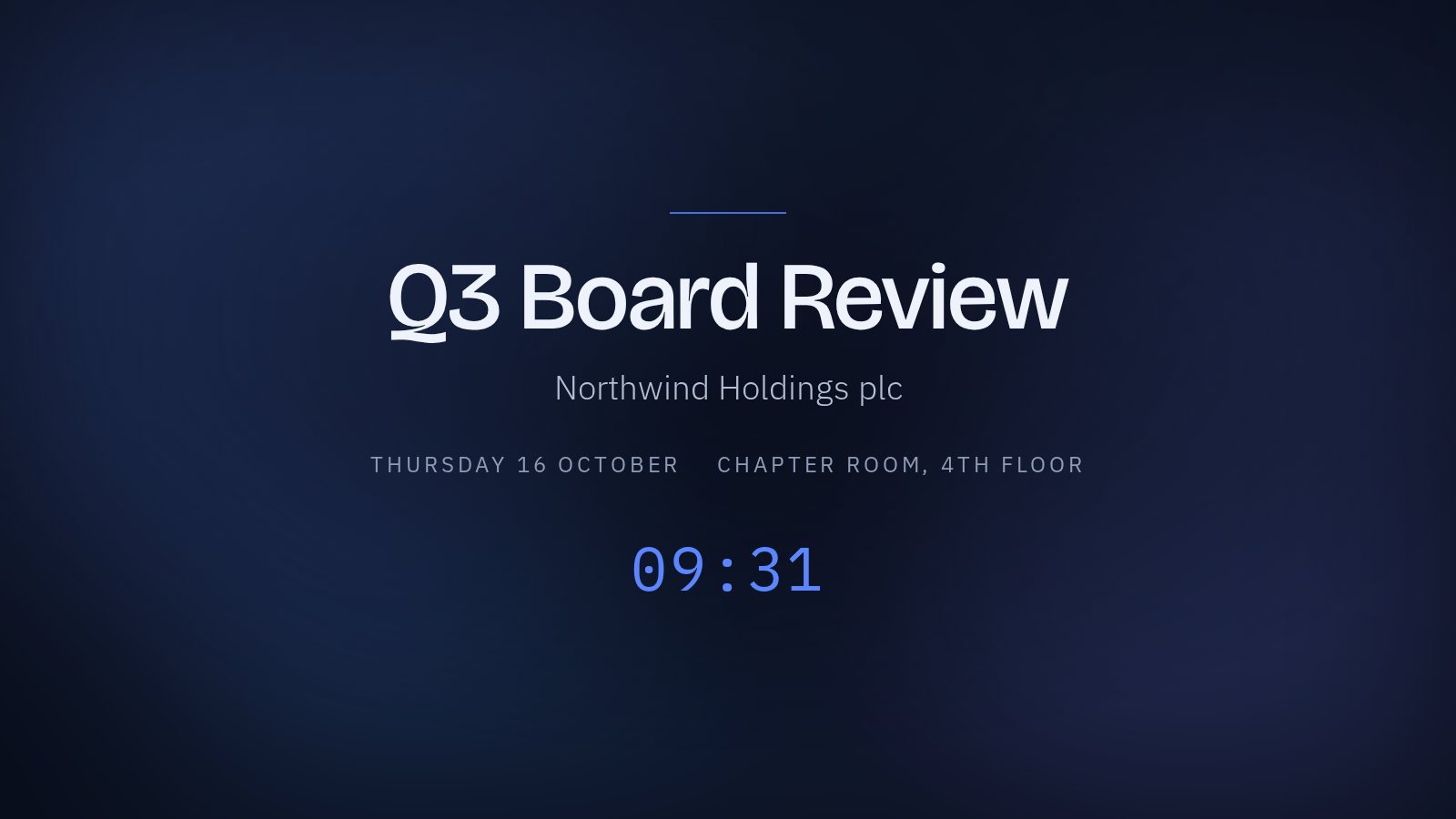
Switch any display between welcome, agenda, deck, photos, video, countdown, message or black mid-sentence. Mark an agenda item Now and every agenda screen highlights it at once.
Boardroom screen control
Run every display in the room from your phone. Welcome, agenda, decks, video and countdowns change in under a second.
Have a session number from your organiser? Enter it and we’ll open the session for you.
Playing through the evening
Not sure how many you need?
Switch any display between welcome, agenda, deck, photos, video, countdown, message or black mid-sentence. Mark an agenda item Now and every agenda screen highlights it at once.
PDF, PPTX, PPT, ODP and images render server-side at 400 DPI. Replace a bad slide with a PNG without re-uploading the deck, and screen assignments stay pointed where they were.
The speaker opens one page on their phone and steps the deck. Arrow keys on the panel drive it too, and a second screen on the same deck follows along.
Someone off-site opens a share link and their screen goes up on a room display over WebRTC. Assign them before they start. The screen waits, and the picture appears when they begin.
Once a display is started it swallows keys, clicks, scrolls and touch. The one exception is deck navigation, which is routed through the server so every screen and the panel stay in step.
The PPTX behind a deck, the MP4 behind a video, the track behind a playlist. Downloads are session-gated, and Send to screen drops a file into a room machine's Downloads with nothing shown on the wall.
A session is one meeting with its own screens, agenda, decks and guests. Each card shows how many displays that room usually lights at once.
3 screens
Main wall, a wing wall for the far end of the table, a lobby slate for people arriving. Mark an agenda item Now and every agenda screen moves together. Each mode change is written to the decision log.
10 screens
Stage pair, two overflow rooms, wayfinding at the doors. Shareholders join by PIN on their own phones. One session holds up to 150 guests on Enterprise and 30 on Standard.
6 screens, 7 days
A whole week of sessions without moving the account up a tier. The Event week pass adds six screens, 500 guests and 80 session hours, then cancels itself on day seven.
2 screens
The wall in front and a repeater at the back of the room. The trainer steps slides from a phone, and an Interval countdown runs the exercise while the room reads the brief off the second screen.
1 + remote presenter
The exec who is in another country opens a share link and lands on the main wall over WebRTC. Assign the screen before they start. It waits, then cuts to their picture the moment they begin.
4 screens
Two front screens, one for the balcony, one in the hall. Readings and notices go up as Message screens, the playlist covers the gathering, and Interval counts down to the start.
3 screens, 1 day
Photo album on the long wall, the speech deck on the main one, a welcome slate at the door. A Day pass covers the whole thing for a day and expires by itself.
1 unattended
A deck or a video loops all day on a machine nobody is watching. Room lock swallows stray keys, clicks and touches, so a curious visitor cannot change what the stand is showing.
Many rooms, one account
One workspace, a team per hall, and each team holding the screen licences for its own room. The organisation gets its own subdomain, and a hirer only ever sees the session they were given.
<1s
From tap to every
screen in the room
400 dpi
Slide render, native
4K on the wall
400 mb
Per upload:
decks, video, music
11
Modes a screen can
be switched to
0
Page reloads during
a running meeting
Passes and packs stack on top of a plan, so a conference does not need a permanent upgrade.
$0 /month
One person, one screen, a real meeting rather than a demo.
$99 /month
A department: several teams, several rooms, single sign-on.
$299 /month
A building: fifty screens, AGM-sized rooms, a year of retention.
Talk to us
Bespoke limits, set per customer on the deployment itself.
| Per session | Free | Standard | Enterprise |
|---|---|---|---|
| Screens in one room | 1 | 5 | 10 |
| Devices per screen | 1 | 2 | 6 |
| Live shares at once | 1 | 10 | 50 |
| Guests | 3 | 30 | 150 |
| Session length | 30 min | 5 h | 25 h |
| Presentations | 2 | 20 | 100 |
| Photos | 10 | 100 | 500 |
| Videos | 1 | 10 | 50 |
| Music tracks | 2 | 20 | 100 |
| Shared files | 3 | 30 | 150 |
| Agenda items | 5 | 50 | 250 |
| Sessions open at once | 1 | 10 | 50 |
Stack them on any plan. Passes cancel themselves when they run out.
+2 screens, +100 guests, +12 session hours
One day, then it expires on its own.
+6 screens, +500 guests, +80 session hours
Seven days for a conference or an AGM.
+1 room screen
Granted to a team, so a new room gets its own licence.
+10 people
Buy as many as needed. Packs stack.
+2 GB storage
For a library of decks and recorded video.
+20 session hours a month
For a month with more meeting time than usual.
Prices in USD. Plans are set on the deployment by an administrator, and nothing here takes a card. An overdue invoice never blacks out a running room: only a cancelled or expired subscription stops work.
Create an account, add your screens, open one link on each room machine. The next meeting is a series of taps.